Best AI Furniture Finder Tools in 2026: Compare Your Options
Compare the top AI furniture finder tools available in 2026. See how photo-based furniture search works, what each tool offers, and which one fits your needs.
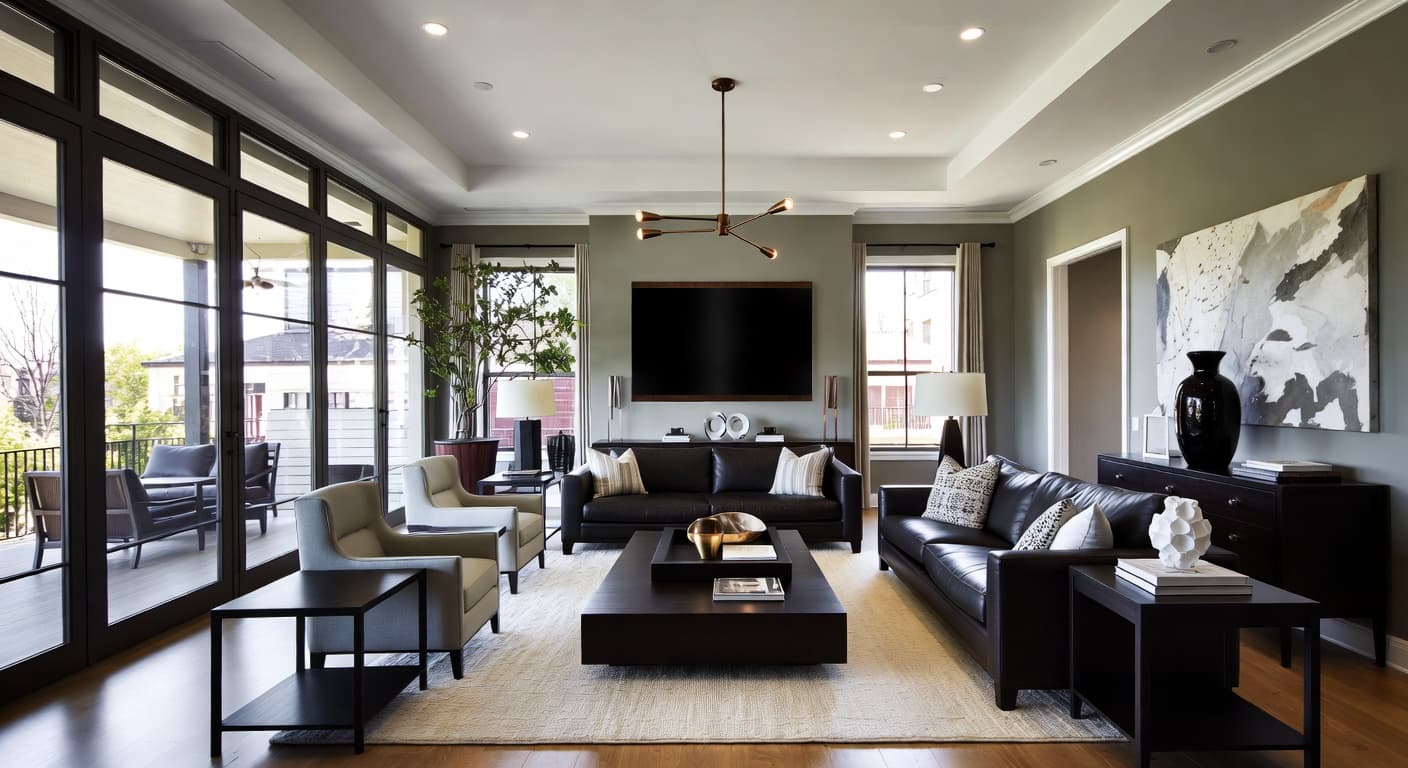
AI furniture finders let you upload a photo of any room and get shoppable product matches for the furniture in it. The technology has matured quickly — what started as novelty visual search features in 2023 has become a legitimate shopping workflow used by interior designers, home stagers, and anyone who's ever seen a room they wanted to recreate.
But the tools vary significantly in accuracy, retailer coverage, and how useful the results actually are. Here's a clear breakdown of how AI furniture finders work, what features matter, and how the available options compare.
What Is an AI Furniture Finder?
An AI furniture finder is a tool that analyzes a photo — typically of a room interior — and identifies individual furniture pieces within it. For each identified item, it returns product recommendations you can actually purchase, usually with direct links to retailers.
The core technology is computer vision combined with product catalog matching. The AI doesn't just recognize "a sofa" — it classifies the style (mid-century, contemporary, traditional), estimates materials (leather, velvet, linen), identifies the color palette, and uses all of this to find the closest matching products available for sale.
This is fundamentally different from reverse image search. Google Lens or TinEye look for the same image posted elsewhere on the internet. An AI furniture finder looks at what's inside the image and matches it to product databases. You could upload a photo you took on your phone — an image that exists nowhere else online — and still get accurate product matches.
How AI Furniture Finders Work
The technical process involves several stages, each building on the last.
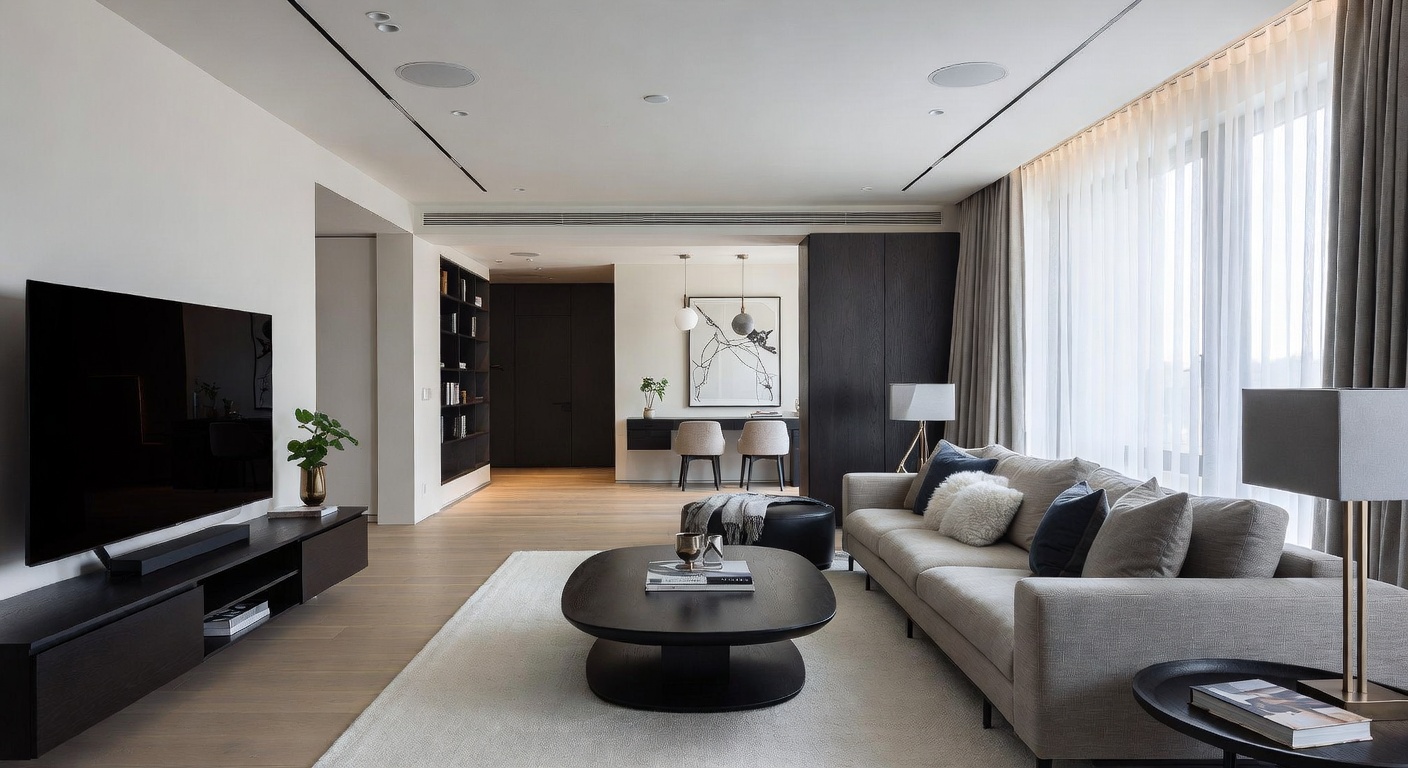
Scene segmentation. The AI first breaks the room photo into distinct objects. It separates the sofa from the coffee table from the rug from the wall art. This uses object detection models trained on millions of interior photos to recognize furniture categories even when pieces overlap or partially obstruct each other.
Style classification. Each identified object gets classified by design style. A sofa might be tagged as "mid-century modern" based on its tapered legs, low profile, and clean lines. A table might be classified as "industrial" because of its metal base and reclaimed wood top. This classification drives which products the system recommends.
Attribute extraction. Beyond style, the AI extracts specific visual attributes: color (not just "blue" but the approximate shade and saturation), material appearance (grain patterns for wood, texture for fabric), proportions (height-to-width ratio, leg height), and design details (tufting, nailhead trim, turned legs).
Product matching. The extracted attributes are compared against product catalogs from multiple retailers. The matching algorithm weighs visual similarity, style alignment, and price range to rank results. Better tools match against larger catalogs and weight visual similarity more heavily than simple keyword matching.
Budget filtering. The final layer lets you filter matched products by price tier — typically low, medium, and luxury ranges. This is critical for practical use. Finding a $12,000 match for a sofa you like doesn't help if your budget is $1,500. Budget filtering surfaces alternatives that capture the same look at an accessible price.
Key Features to Look For
Not all AI furniture finders deliver the same experience. These are the features that separate useful tools from frustrating ones.
Accuracy of Style Matching
The most important factor. A good tool distinguishes between a mid-century modern sofa and a contemporary one — subtle differences in leg angle, cushion shape, and arm height that determine whether a recommendation actually looks right in your room. Poor tools return generically "similar" results that miss the specific style details that made you want the piece in the first place.
Retailer Coverage
More retailers means more options and better price competition. Some tools only search a handful of partner retailers, which limits your choices and often means higher prices (since they're pulling from retailers that pay affiliate commissions). The best tools search broadly across the market.
Budget Filtering
Essential for practical shopping. If a tool shows you every match from $50 to $15,000 in a single unsorted list, you'll spend more time filtering than shopping. Dedicated budget tiers — with distinct low, medium, and luxury ranges — let you immediately see what's available at your price point.
Speed and Ease of Use
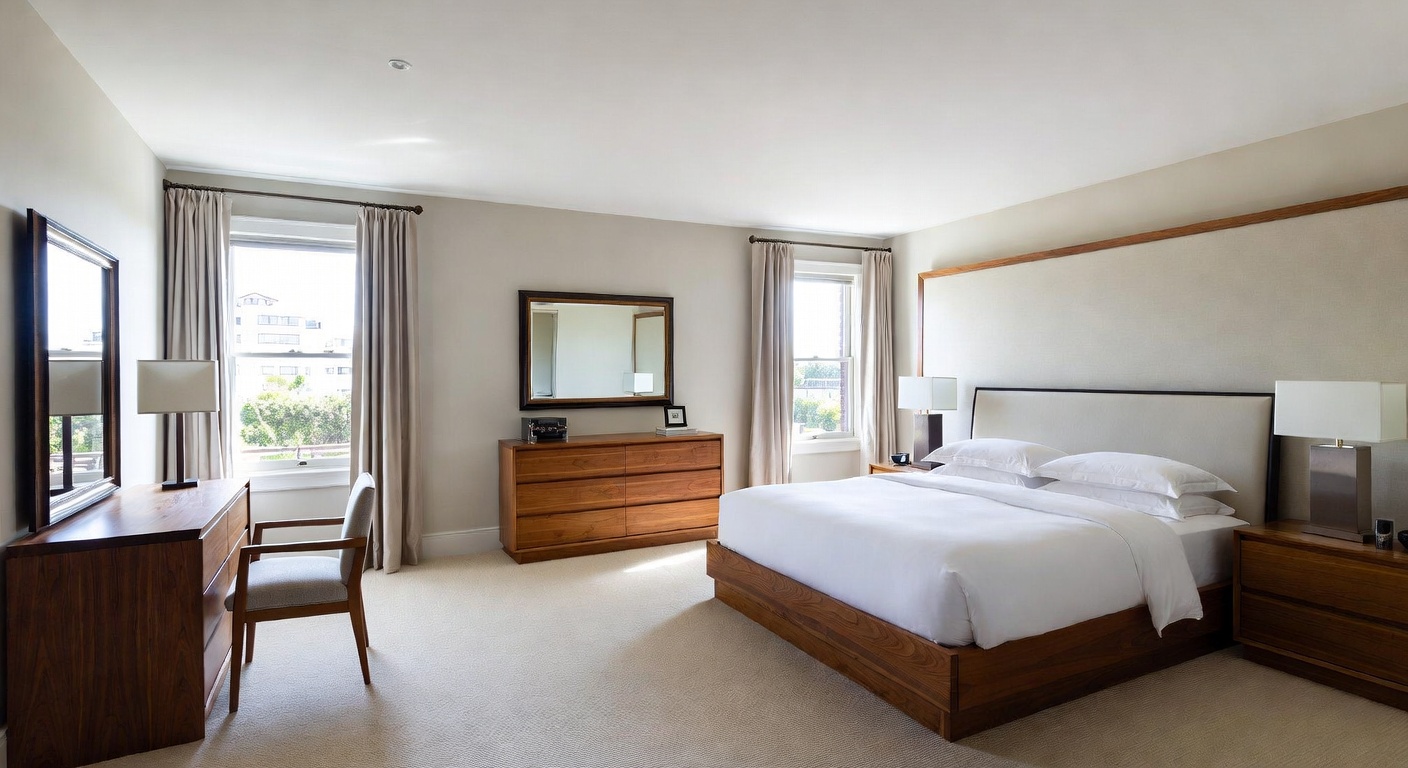
Room analysis should take seconds, not minutes. The upload-to-results workflow should be simple: upload a photo, optionally set a budget, and see results. Tools that require you to manually crop each piece or tag items before analysis add unnecessary friction.
Integration with Room Design
The most powerful furniture finders work alongside room design tools. If you can design a room with AI and then immediately shop the result, you skip the gap between "I love this design" and "where do I buy these pieces?" This closed loop — design then shop — is where AI furniture finding delivers the most value.
Favorites and Saving
Shopping for a room isn't a one-session activity. You need to save products, compare options over days, and return to previous searches. A favorites system with persistence across sessions prevents you from losing track of products you liked.
NewInterior AI Furniture Finder
NewInterior AI's furniture finder is built into a full interior design platform, which gives it a distinct advantage: the design-to-shopping workflow is seamless.
How It Works
Upload any room photo — a snapshot of your current space, a screenshot from Instagram, a magazine scan, or an AI-generated room design from the platform itself. The AI analyzes the scene and identifies every significant piece of furniture and decor.
You select a budget tier (low, medium, or luxury), and the system returns product recommendations for each identified item with direct purchase links. Each product card shows the item name, price, retailer, and visual similarity to the original.
Standout Features
Photo upload from any source. The tool accepts photos from your camera, social media screenshots, saved images, and — uniquely — AI-generated room designs created within the platform. This means you can design your dream room and then shop it immediately.
Three-tier budget filtering. Every result set can be filtered to low, medium, or luxury price ranges. You can switch between tiers instantly without re-running the analysis. This makes it easy to compare what you'd get at each price point.
Favorites system. Save products you're considering and access them later. Your favorites stay connected to the original room photo, so you always have context for why you saved a particular item.
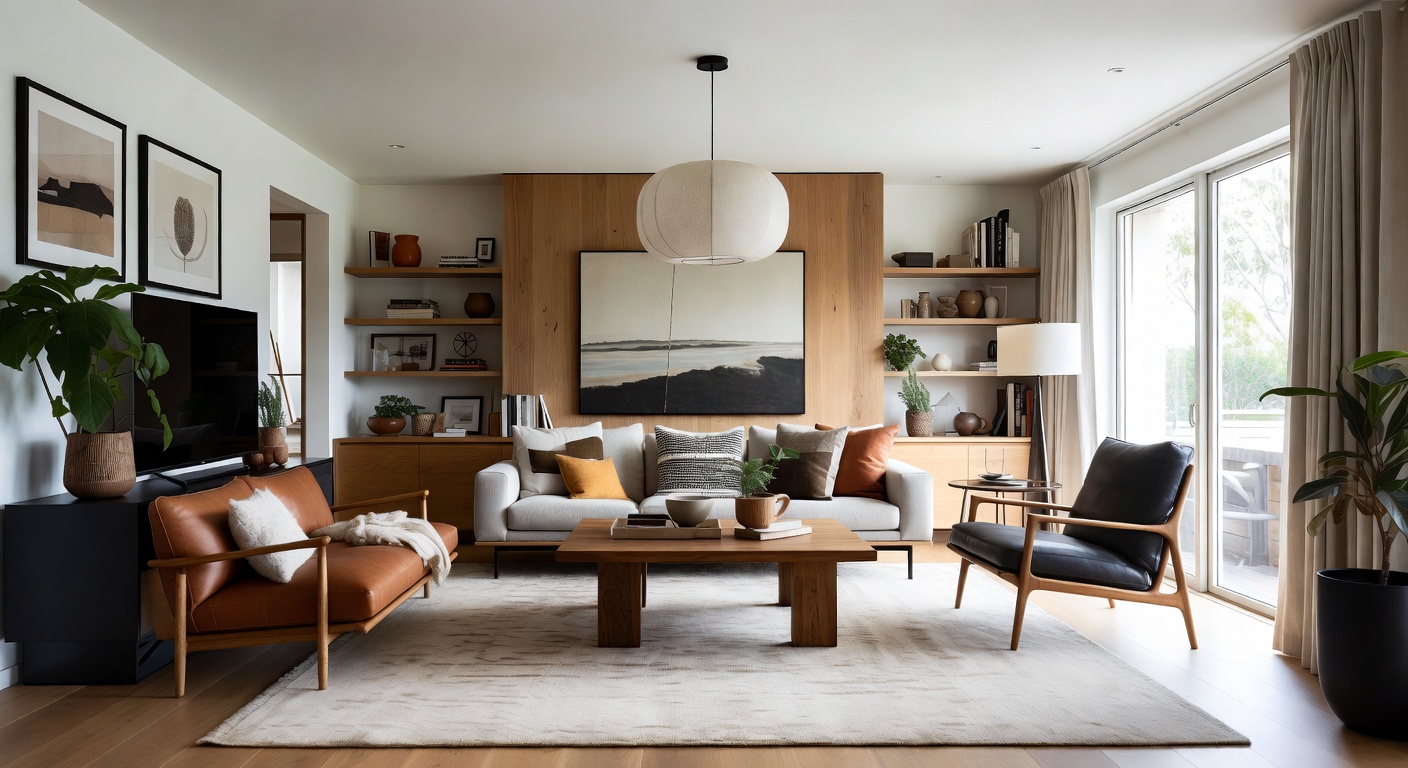
Category-level browsing. Filter results by furniture category — sofas, tables, lighting, rugs, decor — to focus on specific pieces rather than the entire room at once.
Design-to-shop workflow. The platform's core strength. Upload a photo, redesign it with AI in any of 100+ styles, then run Shop This Room on the result. You go from "here's my room" to "here's a redesign" to "here's a shopping list" in one session.
Works with AI-generated designs. Most furniture finders only work with real photos. NewInterior AI's tool also works on its own AI-generated room designs, which means you can shop rooms that don't physically exist yet. Design a modern bedroom or a farmhouse kitchen, then find real products that match the AI's vision.
Limitations
The tool works best with clear, well-lit photos where furniture pieces are fully visible. Heavily filtered or low-resolution images produce less accurate matches. Very small decor items (candles, small vases, picture frames) are harder to match precisely than major furniture pieces.
Other Approaches to Finding Furniture
AI furniture finders aren't the only option. Here's how other tools handle the same problem, and where they fall short.
Google Lens
Google Lens is the most accessible option — it's built into Google's camera app and Chrome browser. Point it at a piece of furniture and it attempts to find visual matches across the web.
Strengths: Free, universally available, works on any object (not just furniture), and sometimes finds the exact product if it's widely photographed.
Limitations: Google Lens searches the entire web, not furniture-specific databases. Results mix product listings with blog posts, Pinterest pins, and random websites. There's no budget filtering, no room-level analysis (it handles one object at a time), and no style classification. You get "visually similar images" — not curated product recommendations.
Pinterest Lens
Pinterest's visual search works similarly to Google Lens but within Pinterest's ecosystem. It's useful for finding aesthetically similar items that Pinterest users have pinned.
Strengths: Pinterest's database skews heavily toward home decor and design, so matches tend to be more relevant than general web search. The platform also surfaces related boards and pins that can spark new ideas.
Limitations: Results are Pinterest pins, not direct product listings. You still need to click through, find the original source, and hope the product is still available. No budget filtering, no multi-item room analysis, no way to save a coordinated shopping list.
Retailer-Specific Apps
Some major furniture retailers offer visual search within their own apps. Upload a photo, and the app finds similar items from their inventory.
Strengths: Direct purchase path — everything you see is in stock and buyable. Pricing is transparent and you know exactly where it ships from.
Limitations: You're searching one retailer's catalog, not the whole market. If the style you want isn't in their collection, you get poor matches. There's no cross-retailer price comparison and no way to know if a better option exists elsewhere.
When to Use an AI Furniture Finder
AI furniture finders are most valuable in specific scenarios where traditional shopping falls short.
Social Media Inspiration
You save a photo of a beautifully styled room on Instagram or TikTok. The poster doesn't tag the furniture brands, or they tag 15 things and you can't tell which product goes where. Upload the photo to an AI furniture finder and get individual product matches for every piece in the scene.
Magazine and Blog Photos
Editorial photos in design magazines are styled with furniture from dozens of sources, rarely all credited. AI analysis identifies each piece individually and finds purchasable alternatives — even when the original pieces are custom or discontinued.
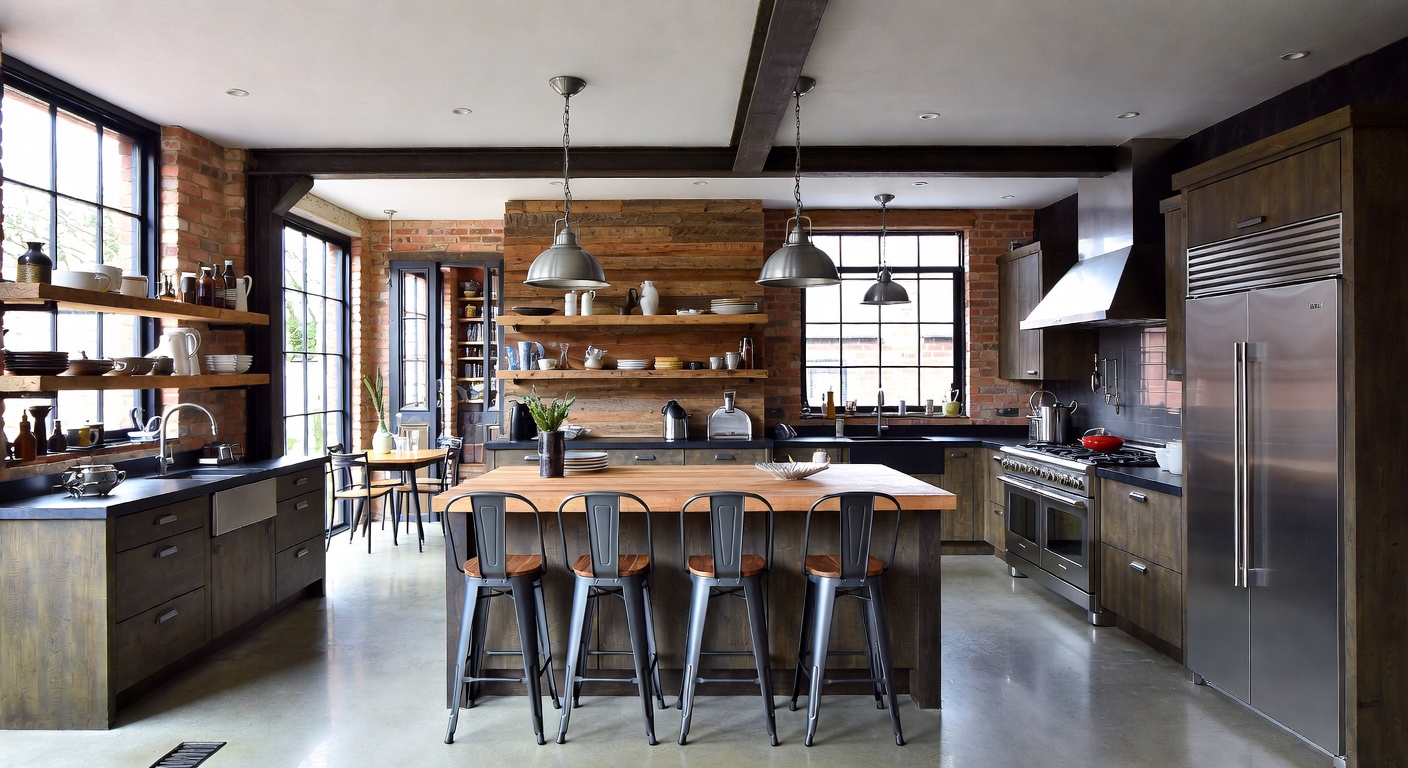
A Friend's Home
You visit someone's house and love their living room setup. Taking a photo and running it through furniture identification is faster and less awkward than asking "where did you get every single thing in this room?"
AI-Generated Room Designs
This is the use case where dedicated platforms have a clear advantage. You design a room using AI — choosing style, colors, materials, and layout — and then immediately shop the result. The furniture in the AI design doesn't physically exist, but the AI furniture finder matches each piece to real products you can order. No other approach can do this.
Replicating a Hotel or Restaurant
You stay at a hotel with a perfectly designed room or eat at a restaurant with incredible interior decor. A quick photo lets you recreate the look at home, with budget-appropriate alternatives you can search by image.
Tips for Getting the Best Results
Regardless of which tool you use, these practices improve your results.
Capture full pieces. Furniture that's partially hidden behind other objects gets less accurate matches. If possible, photograph the piece you want from an angle where it's fully visible.
Use natural light. Artificial lighting shifts colors — warm bulbs make everything look orange, cool LEDs add a blue cast. Natural daylight gives the AI the most accurate color information for matching.
Photograph at furniture height. Shooting from standing height looking down at a coffee table distorts its proportions. Crouch or lower your phone to the piece's level for a more accurate perspective.
Try multiple photos. If one room photo doesn't produce great matches for a specific piece, try a closer crop of just that item. Giving the AI more visual detail about one piece often improves match quality.
Combine with style search. If you know the style name — "Japandi coffee table" or "industrial pendant light" — you can use that knowledge alongside AI matching to verify results. The AI finds visually similar pieces; your style knowledge confirms whether they're the right category.
Save and compare across sessions. Don't buy on the first search. Save favorites from multiple sessions and compare options over a few days. Prices fluctuate, new inventory appears, and your preferences sharpen as you see more options.
Final Thoughts
AI furniture finders have turned room photos into shopping lists. The technology works — computer vision can reliably identify furniture styles, materials, and proportions, then match them to real products across retailers. The quality difference between tools comes down to match accuracy, retailer coverage, budget filtering, and workflow integration.
For the most complete experience, choose a tool that connects room design with furniture shopping. Designing a room and immediately finding the products to build it eliminates the gap between inspiration and action — the place where most decorating projects stall.
Try NewInterior AI's furniture finder and shop any room photo in minutes. Or start by designing your room with AI and shop the result.
Ready to Transform Your Space?
Try NewInterior AI and get professional interior designs in seconds.
Get Started Free