Professional Room Designer App for Every Space

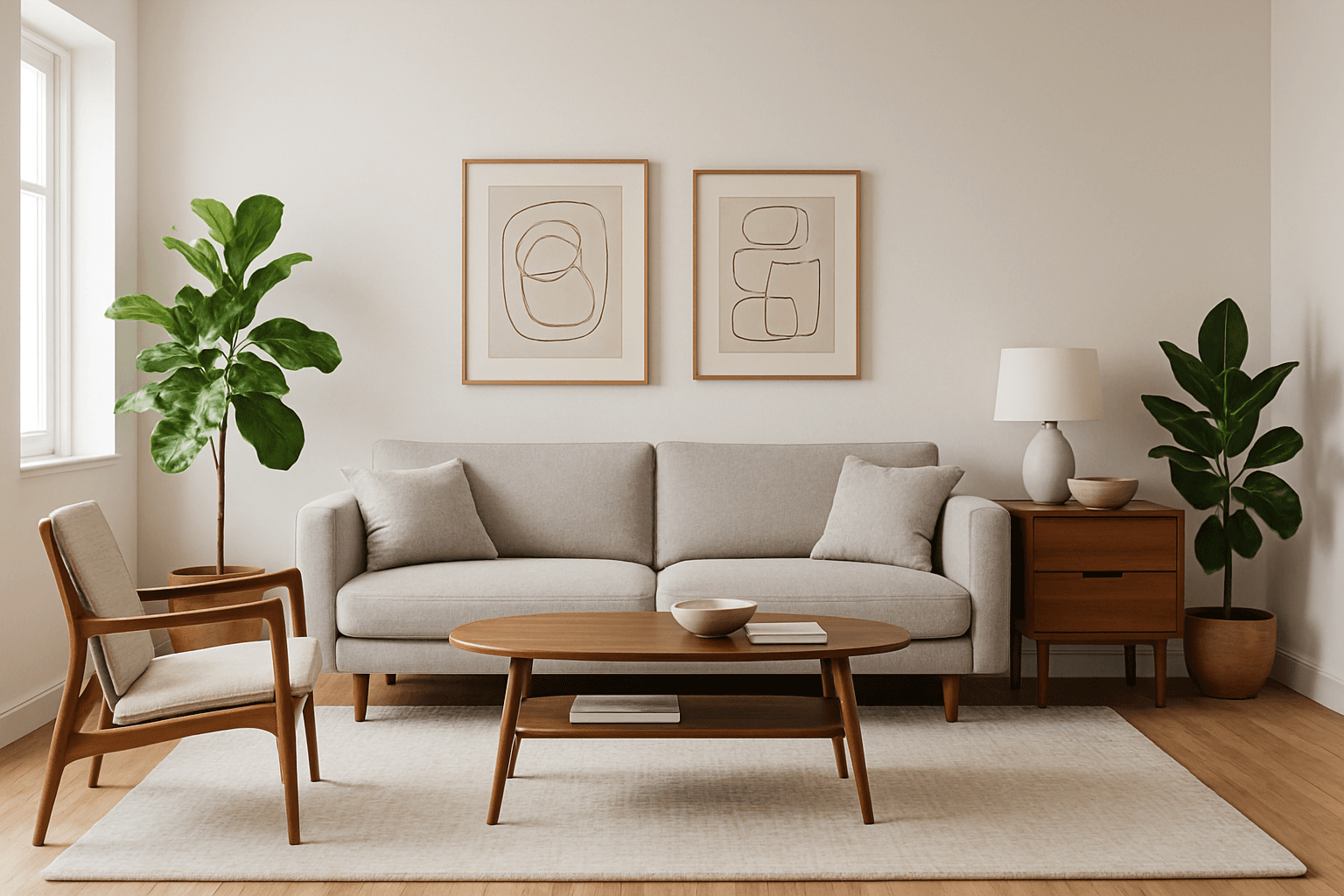
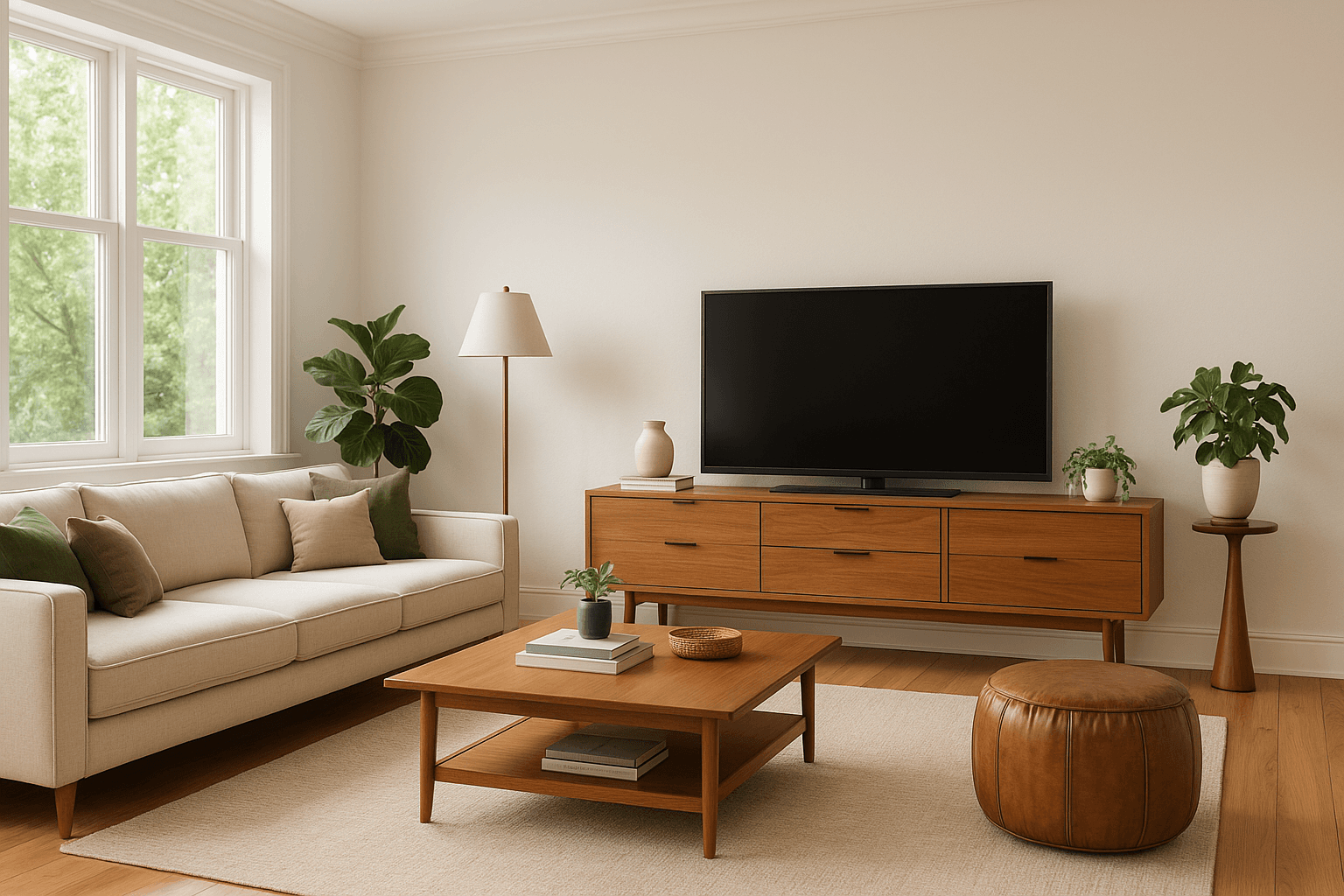
Transform any room with our intelligent room designer app. Upload a photo, choose your style, and get stunning professional designs in seconds. Create a modern living room, a Scandinavian bedroom, or a minimalist kitchen - perfect for homeowners, renters, and design enthusiasts.

35+
Room Types
100+
Design Styles
60s
To Design
Room designer app interface showing design options
Any Room, Any Style
Professional Results

Design Any Room in Your Home

Our room designer app handles every type of space with specialized styles and features for each room

🛋️

Living Room

15K+ designs created

🛏️

Bedroom

12K+ designs created

🍳

Kitchen

10K+ designs created

🚿

Bathroom

8K+ designs created

💻

Home Office

7K+ designs created

🍽️

Dining Room

6K+ designs created

🧸

Kids Room

5K+ designs created

🌿

Outdoor Space

4K+ designs created

Plus specialty rooms: Wine Cellar, Home Theater, Game Room, Nursery, Walk-in Closet, and more. Design a modern home office or any space you can imagine.

Powerful Room Designer Features

Everything you need to create stunning room designs, from initial concept to shopping for furniture

Photo-Based Design

Start with your actual room. Upload a photo and our room designer transforms it with your chosen style.

35+ Room Types

Specialized designs for every room - bedrooms, kitchens, bathrooms, offices, and unique spaces like wine cellars.

Style Library

Access 100+ professional design styles. Mix and match or create custom style combinations for your room.

Layer Control

Adjust individual elements - change furniture, wall colors, flooring, and decor separately for perfect results.

High-Res Downloads

Download your room designs in high resolution. Perfect for presentations, contractors, or shopping lists.

Shop Your Design

Find and buy the exact furniture from your room design. Filter by budget and shop directly from the app.
How Our Room Designer App Works

1

Upload Your Room Photo

Take a photo or upload an existing image. Works with any angle or lighting condition.

2

Select Room Type & Style

Choose your room type and pick from 100+ design styles or create custom combinations.

3

Customize Your Design

Fine-tune colors, materials, lighting, and budget. Add specific requirements or preferences.

4

Get Your New Room Design

Receive your professionally designed room in 60 seconds. Download or shop the furniture.

Room designer process demonstration

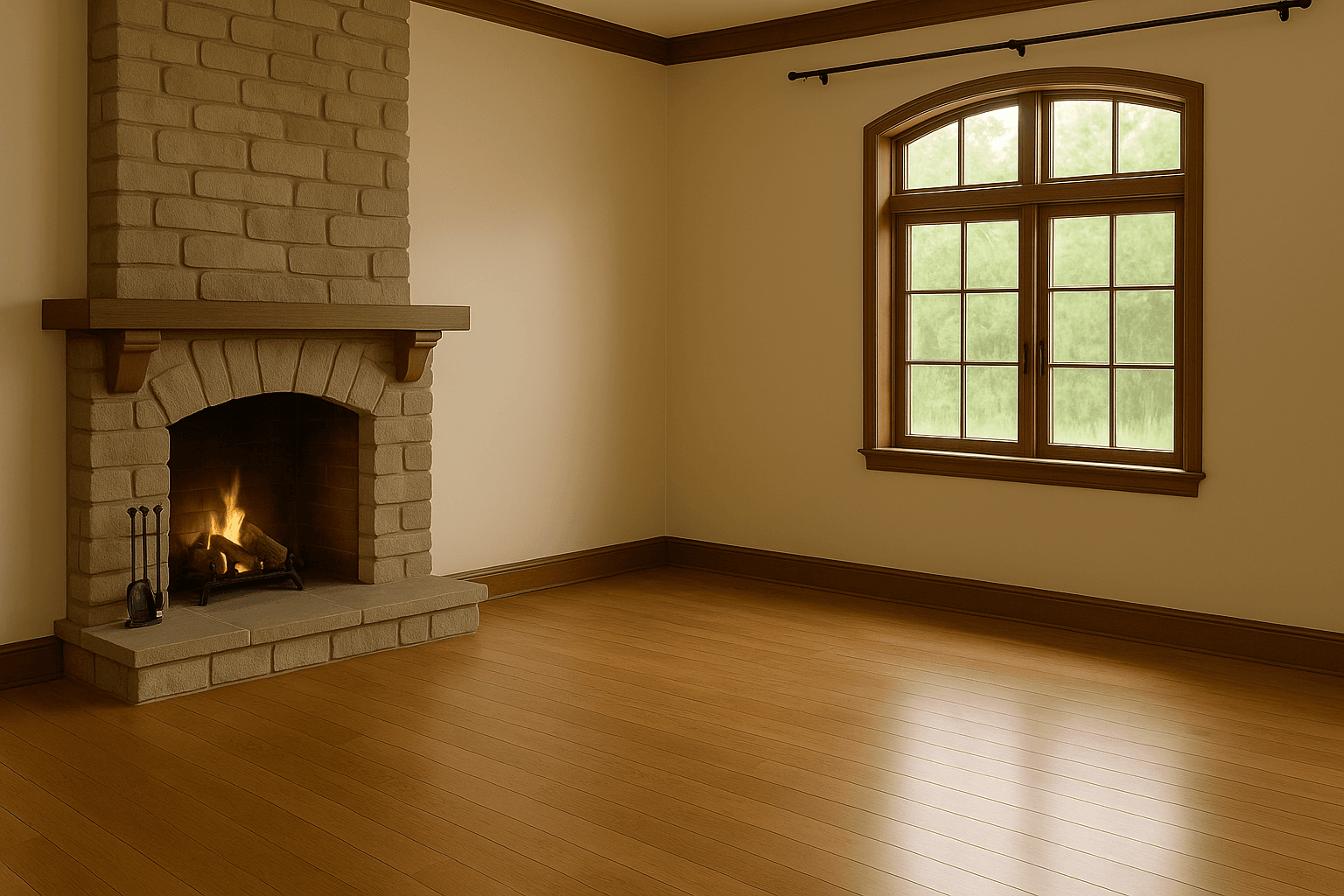
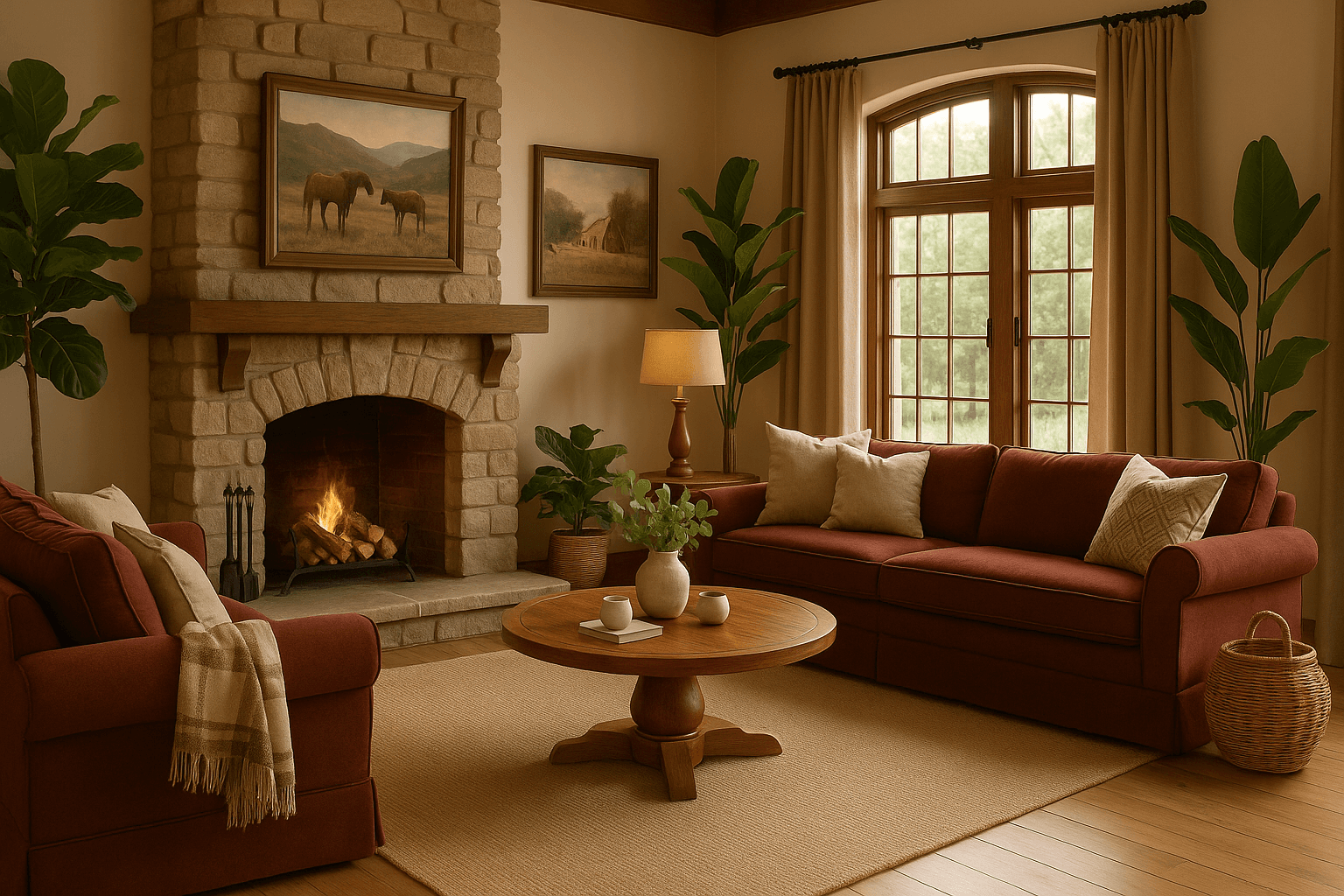
Real Room Transformations from Our App

See actual room makeovers created by our users in under a minute

Before
After
Before
After

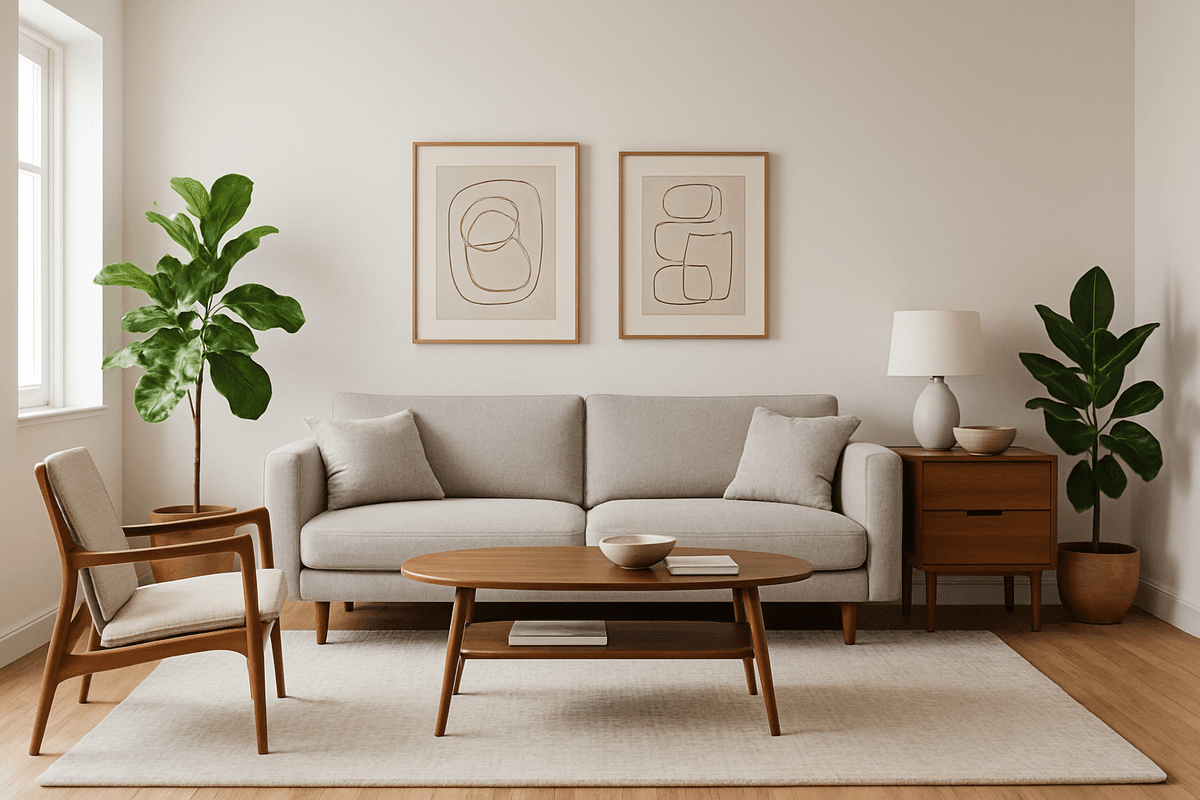
Living Room Redesign

Modern Minimalist • Room Designer App

Before
After
Before
After

Bedroom Makeover

Scandinavian Cozy • Room Designer App

Before
After
Before
After

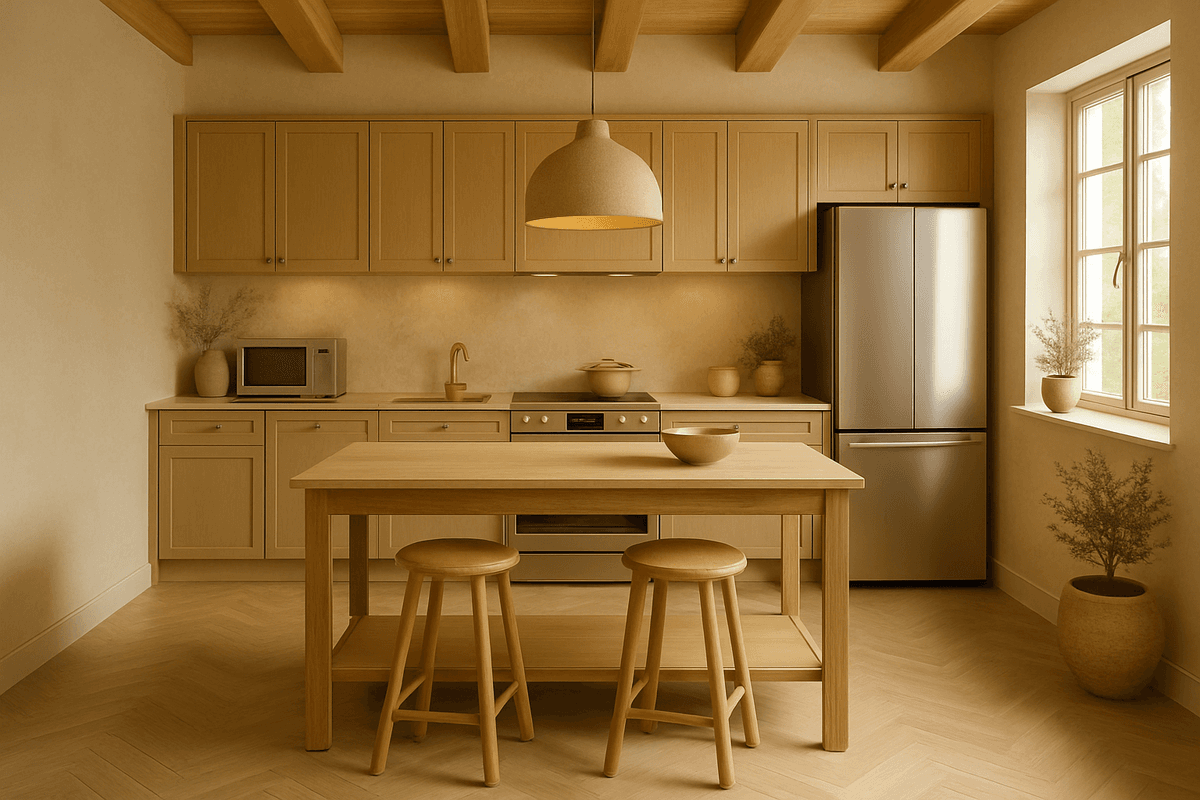
Kitchen Transformation

Contemporary Chic • Room Designer App

Why Choose Our Room Designer App

AI-Powered Precision

Our AI creates photorealistic designs that transform your space with professional style.

Shop Your Design

Unique feature: find and buy the exact furniture from your design with our Shop This Room tool.

Multi-Room Projects

Use our House Design Wizard to design multiple rooms with consistent style throughout your home.

Perfect for Every Design Need

Homeowners Planning Renovations

Visualize changes before committing. Try different styles and layouts risk-free.

Renters Wanting Better Spaces

Design within rental constraints. Focus on furniture and decor you can take with you.

Real Estate Staging

Show potential buyers how empty rooms could look furnished and decorated.

Design Enthusiasts

Experiment with styles, create mood boards, and plan dream spaces.

Start Designing Your Perfect Room

Join thousands using our room designer app to create beautiful spaces. No experience needed - just upload and design. Also explore our interior design app, the home design app, or the AI room designer.

Free to try • No download required • Professional results in 60 seconds

Explore AI Design Ideas

Browse popular room and style combinations created with our AI interior design tool

Frequently Asked Questions

Is this room designer app free to try?

Yes, you can sign up and try NewInterior AI for free with no credit card required. The app lets you upload a photo of any room and generate a professional redesign to see the quality before purchasing additional credits for more designs.

Do I need to download anything to use this room designer app?

No download is required. NewInterior AI is a web-based room designer app that works directly in your browser on any device, including phones, tablets, and computers. Simply visit the website, upload your room photo, and start designing immediately.

How is this different from a 3D room planner?

Traditional 3D room planners require you to manually build rooms from scratch and place furniture piece by piece. NewInterior AI works from your actual room photo and uses AI to generate complete, photorealistic redesigns in seconds, which is far faster and more realistic.

Can I use this room designer app for commercial or rental properties?

Absolutely. Our room designer app is widely used by real estate agents for virtual staging, Airbnb hosts for visualizing property improvements, and interior designers for presenting concepts to clients. It handles all room types from residential to commercial spaces.

How many design styles does the room designer app offer?

The app includes over 100 professional design styles ranging from Modern and Scandinavian to Bohemian, Industrial, Japandi, and more. You can also create Style Fusion combinations that blend two styles together for a completely unique look.